
Hello World
“Hello World” is the first sentence of any robot. During this session we ensure that we can also talk to our computer. As always, you can use your own creativity and you should not just imitate everything that we show here. What you should do is use more programming language, because that's the only way to learn!
You learn to:
- ask a question to the user
- use the user's response
- put pieces of text together
- change playing field / background during the game

ORIENTATION
Take a look at the example and consider the following questions:
- What should I do?
- What are the goals?
- What are the expectations?
- What can I already do?
- What do I still have to discover?
Answer the questions of the fish.
PREPARATION
Take a look at the steps at 'perform'. Then answer the following questions:
- Which steps should I follow?
- Which steps can I follow?
- How much time do I need?
- What tools do I need?
Perform
Do the steps one by one. Do you not remember how to do it? View the hints or download the solution.
STEP 1
Go to the online editor in Scratch. Choose a backdrop and a sprite. You still know how to do this from previous activity. You remove the cat again. We choose an underwater environment and as a sprite we choose a… grumpy fish! (It all has to remain a bit credible of course!)
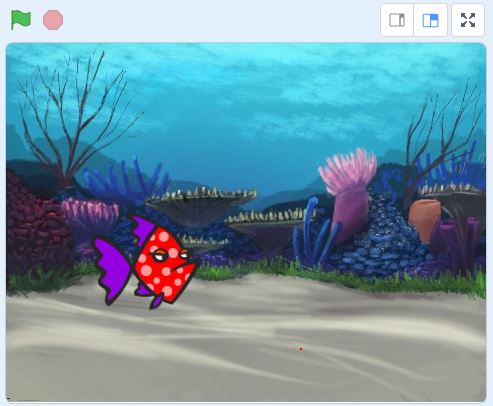
You can of course also take 2 sprites! Start with one and if it's all a bit too simple for you, you can add a second one.
STEP 2
STEP 3
STEP 4
STEP 5
STEP 6
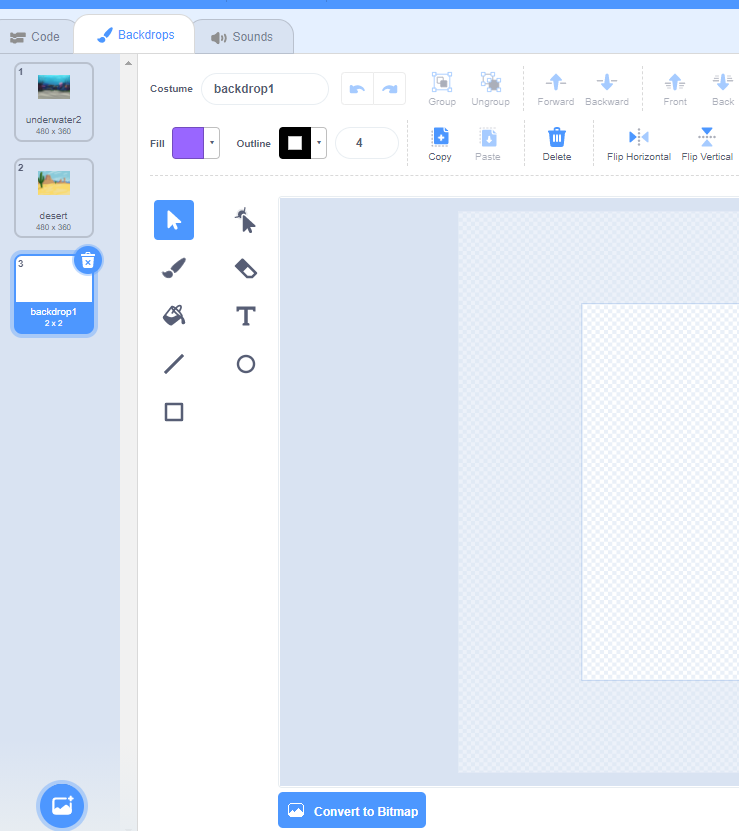
We can have the sprite ask if you want to go with him to another place. If your answer is 'yes' then you need to change the backdrop. For this you will first have to insert different backdrops.
You can program the code yourself without hint!
Can you make your sprite move too? For example: if you indicate that you do not like fishing, the fish will swim away ...
REFLECTION
Look back at the project you just made. Ask yourself the following questions:
- Does the program work as I expected? Why / why not?
- What works well?
- What works less well?
- How can I approach it differently?
Download
Click the link below to download a sample solution.
Upload the project in the Scratch environment. Click the button below and follow the steps.