
Send messages
A wonderful day at the beach.
Play some games and meet new friends.
Fun!
You learn to:
- Write multiple programs for one character.
- Send a message to another figure.
- Make figures react to each other.
STEP 1
Scratch Jr
Open the ScratchJr app and start a new project.
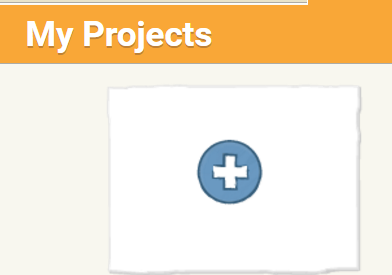
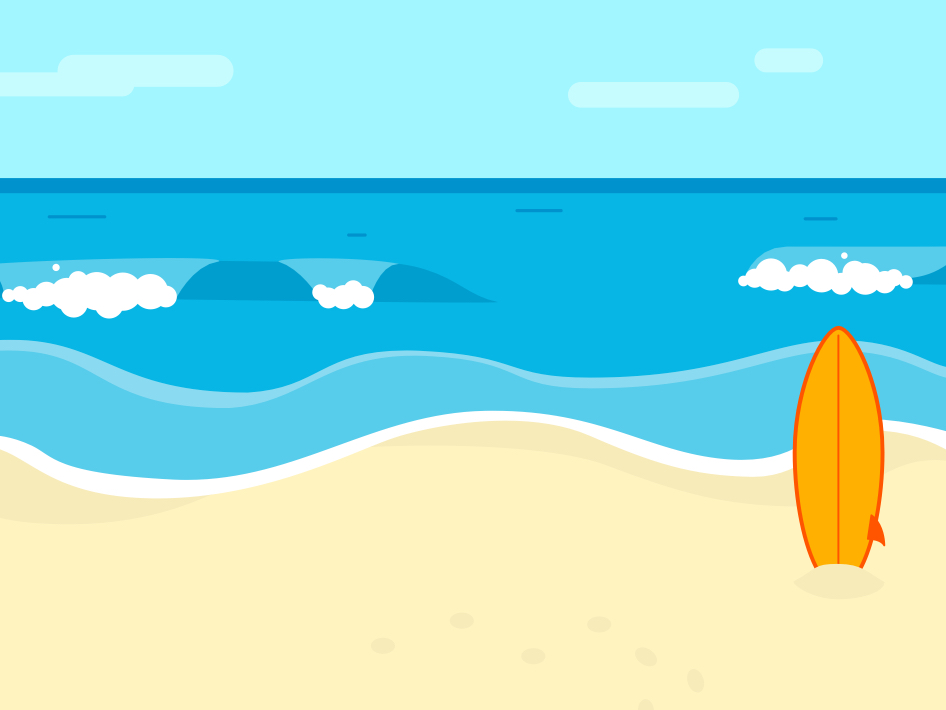
Choose a nice background and remove the cat.
STEP 2
Busy on the beach
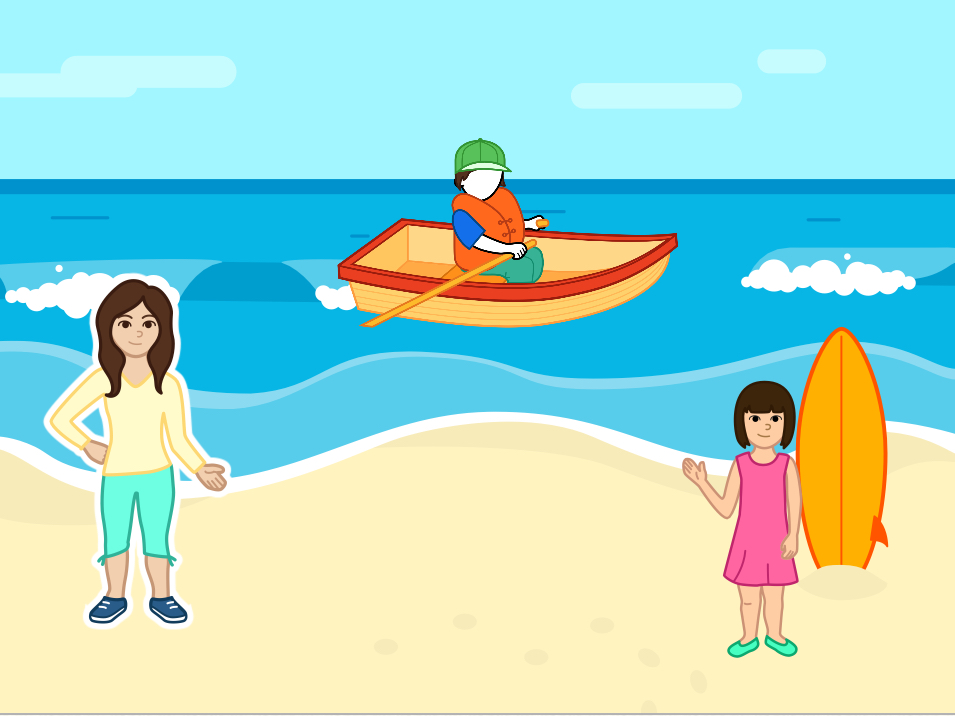
Insert these 3 figures.
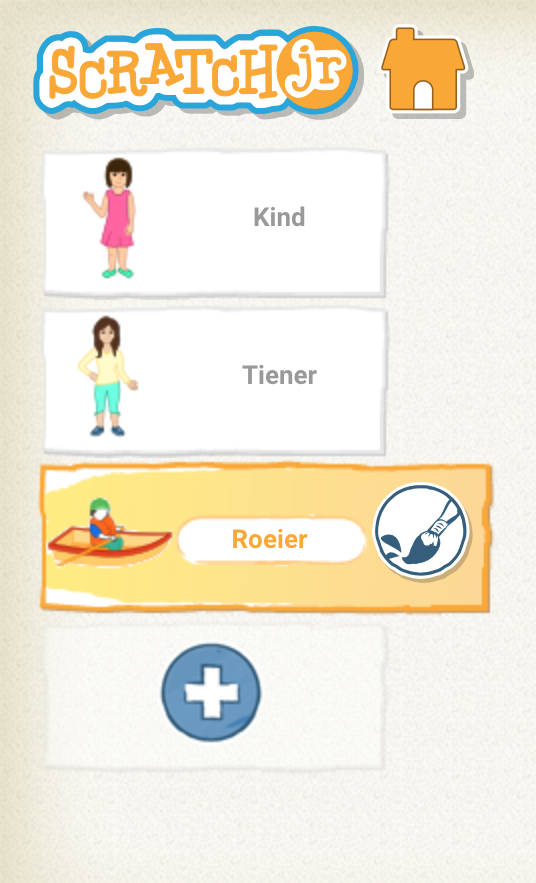
You will have to drag them to the right place. You can certainly enlarge or reduce it.
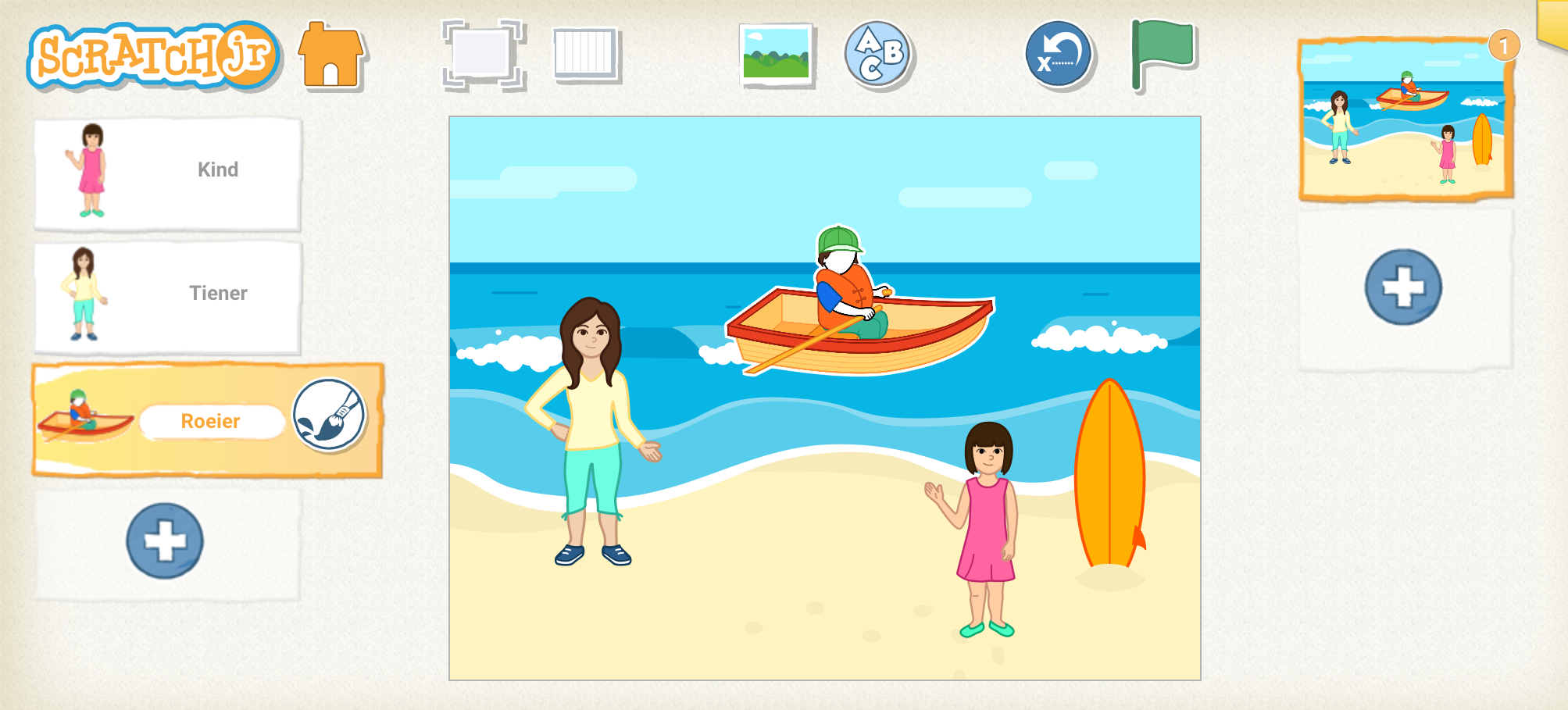
STEP 3
Getting to know eachother ...
Write your first program. Let your figure say who (s)he is.

After this text you put an envelope in your program.
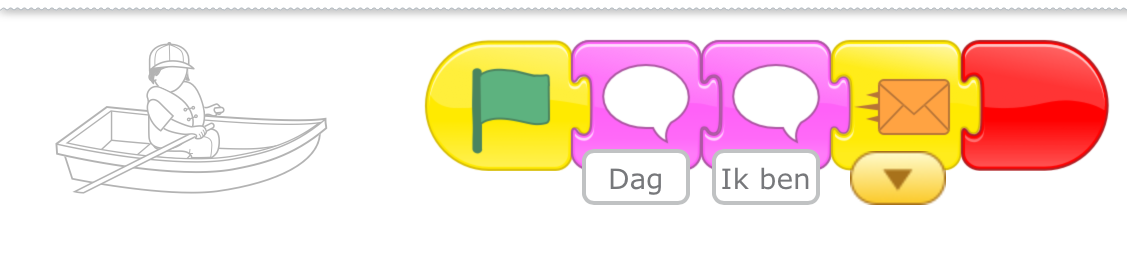
Start your program of your second figure with the same envelope color.
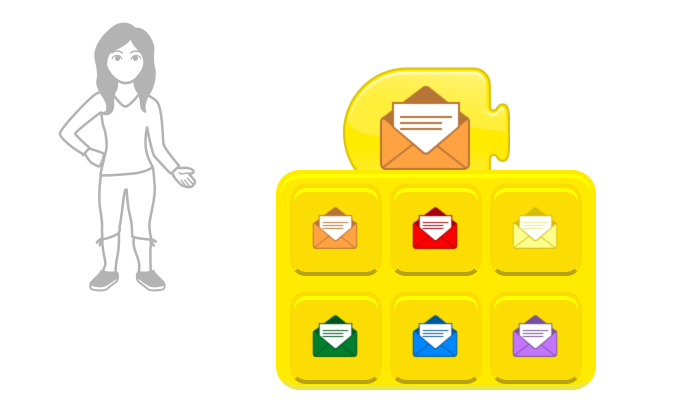
Let your character say who (s)he is and drag an envelope back into your program. This time you change the color (green) of the envelope.
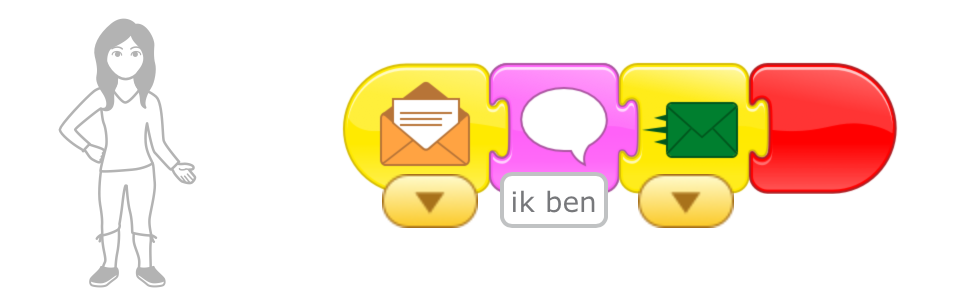
Let your last figure also say who (s)he is. Start your program with the green envelope.
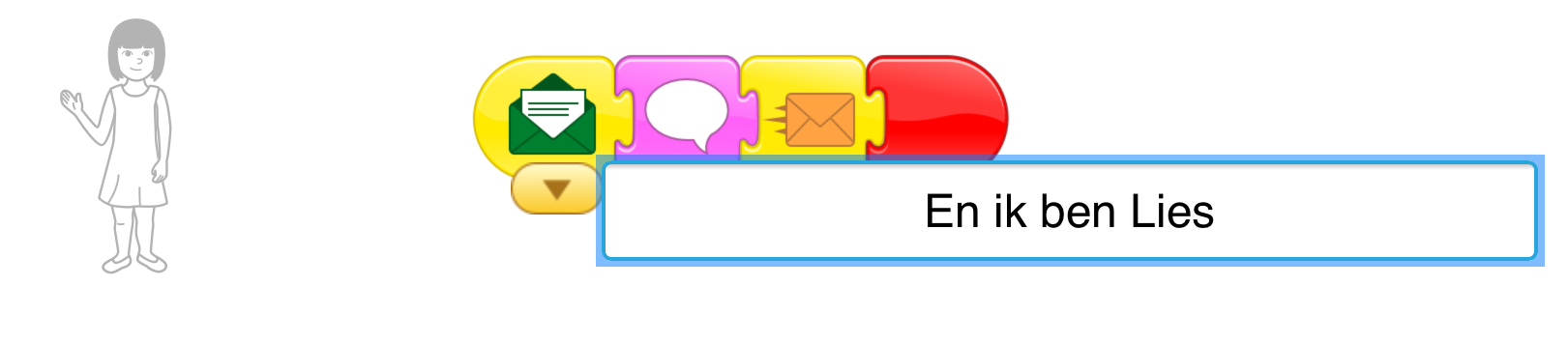
Drag another envelope into your program and change the color (blue).
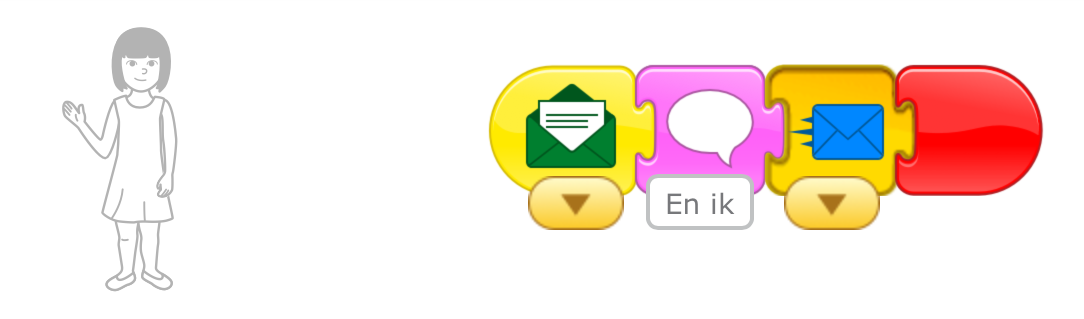
Now let your first figure welcome everyone. Start his program with the blue envelope.
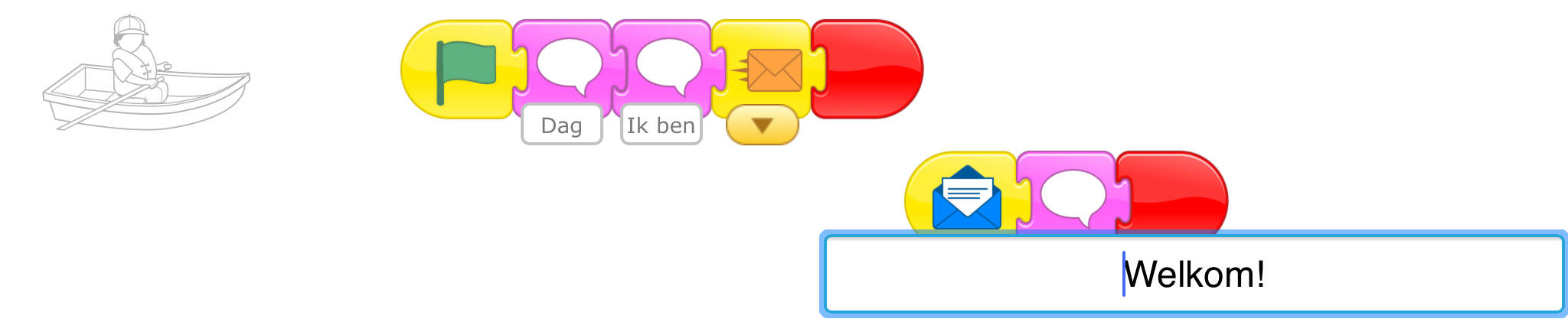
Tip: Pay close attention to the colors of the envelopes!
Challenge !
Make the figures move around the screen after they have said something.