
The moon is rising
It is getting dark, the sun disappears and the moon is rising.
Time to go to bed.
Sleep tight !!


You learn to:
- Use multiple backgrounds.
- Use a different figure for each background.
- Customize a background.
STEP 1
A new project
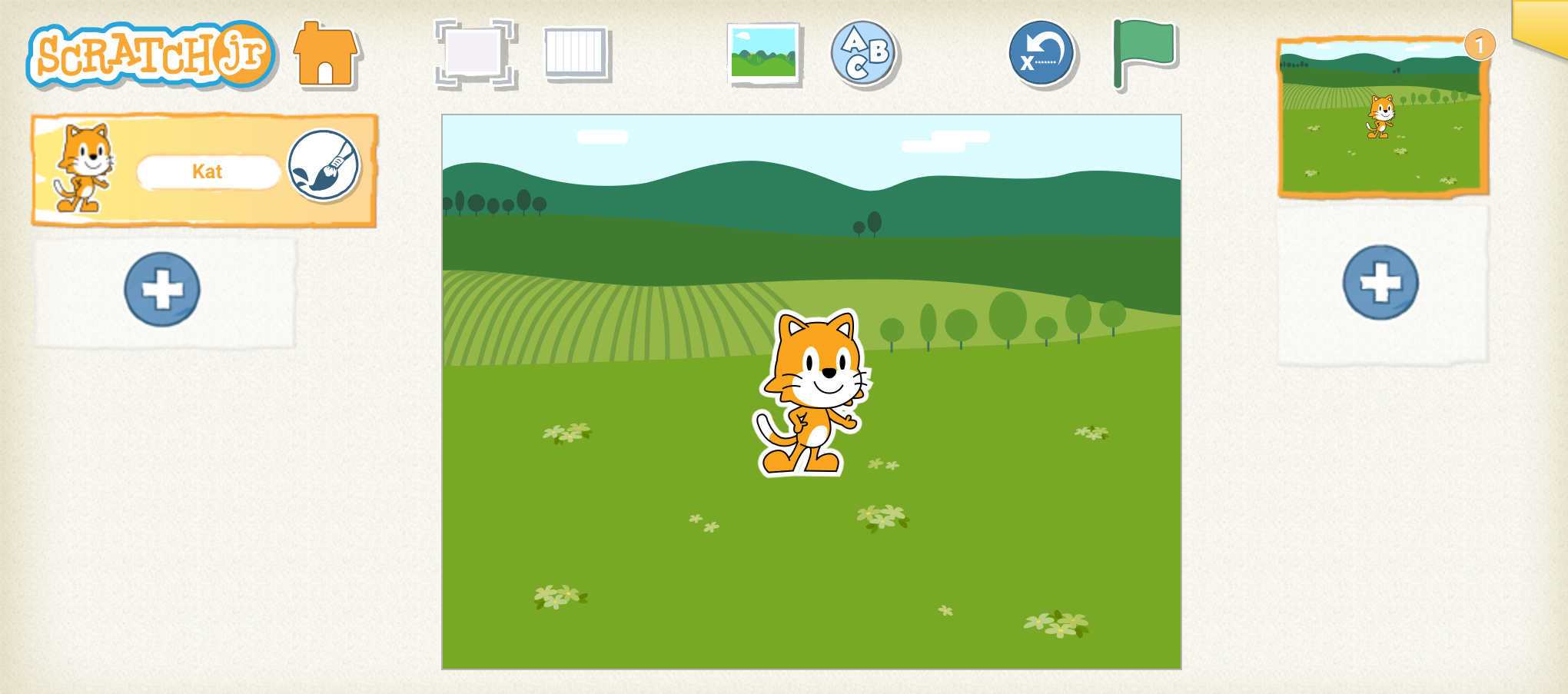
Open the SchratchJr app. and start a new project.

We don't need the cat, she can go.
STEP 2
The sun and the moon
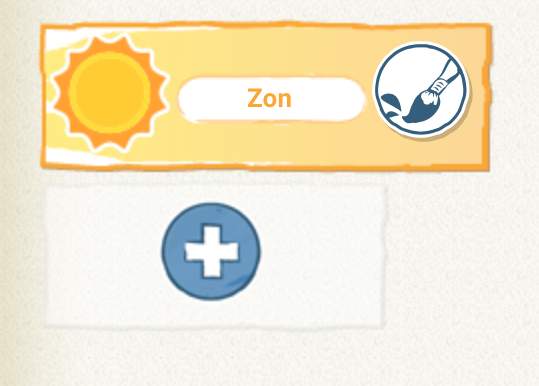
Insert a sun.
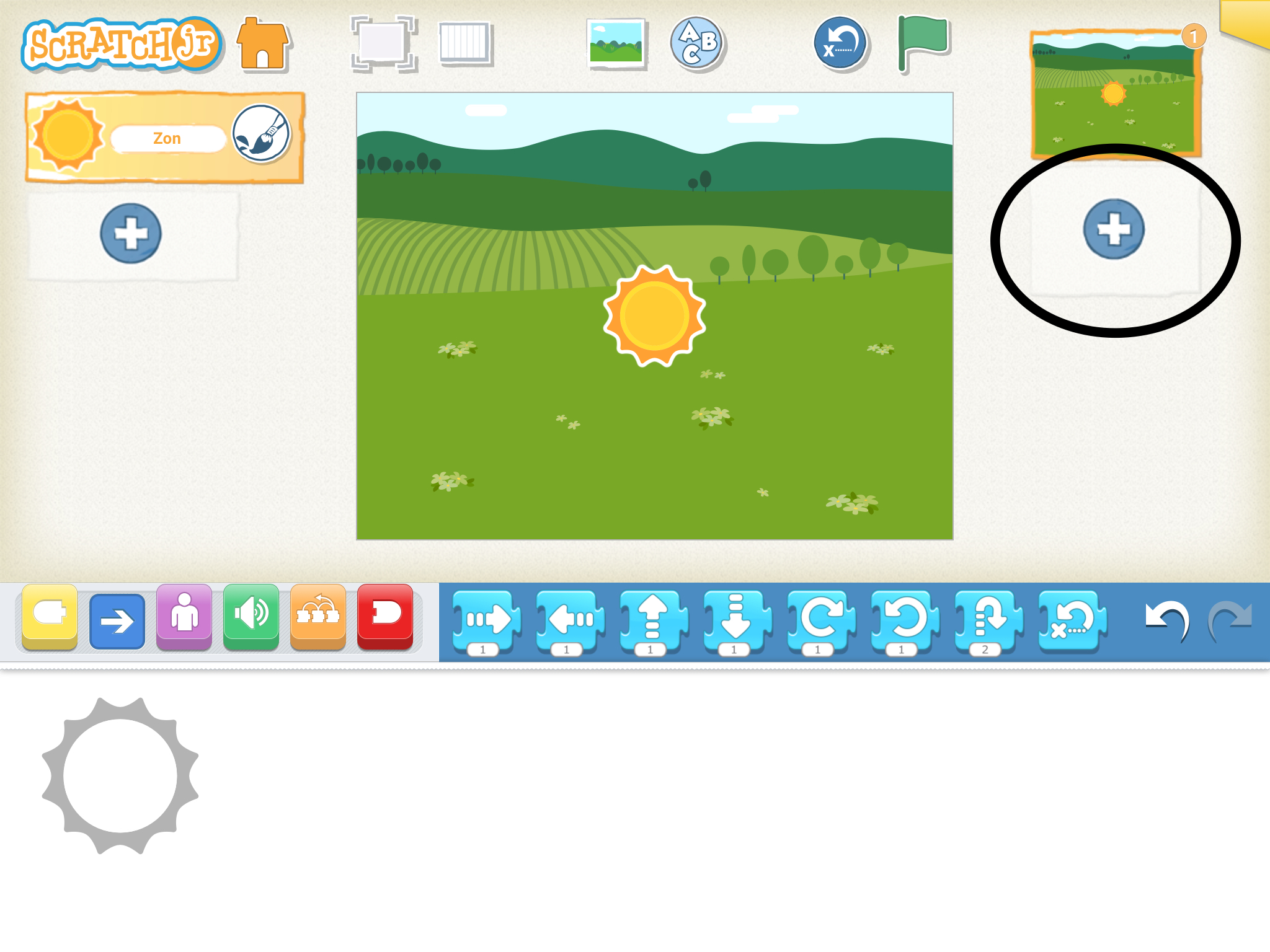
We want a new background. Press the plus sign.
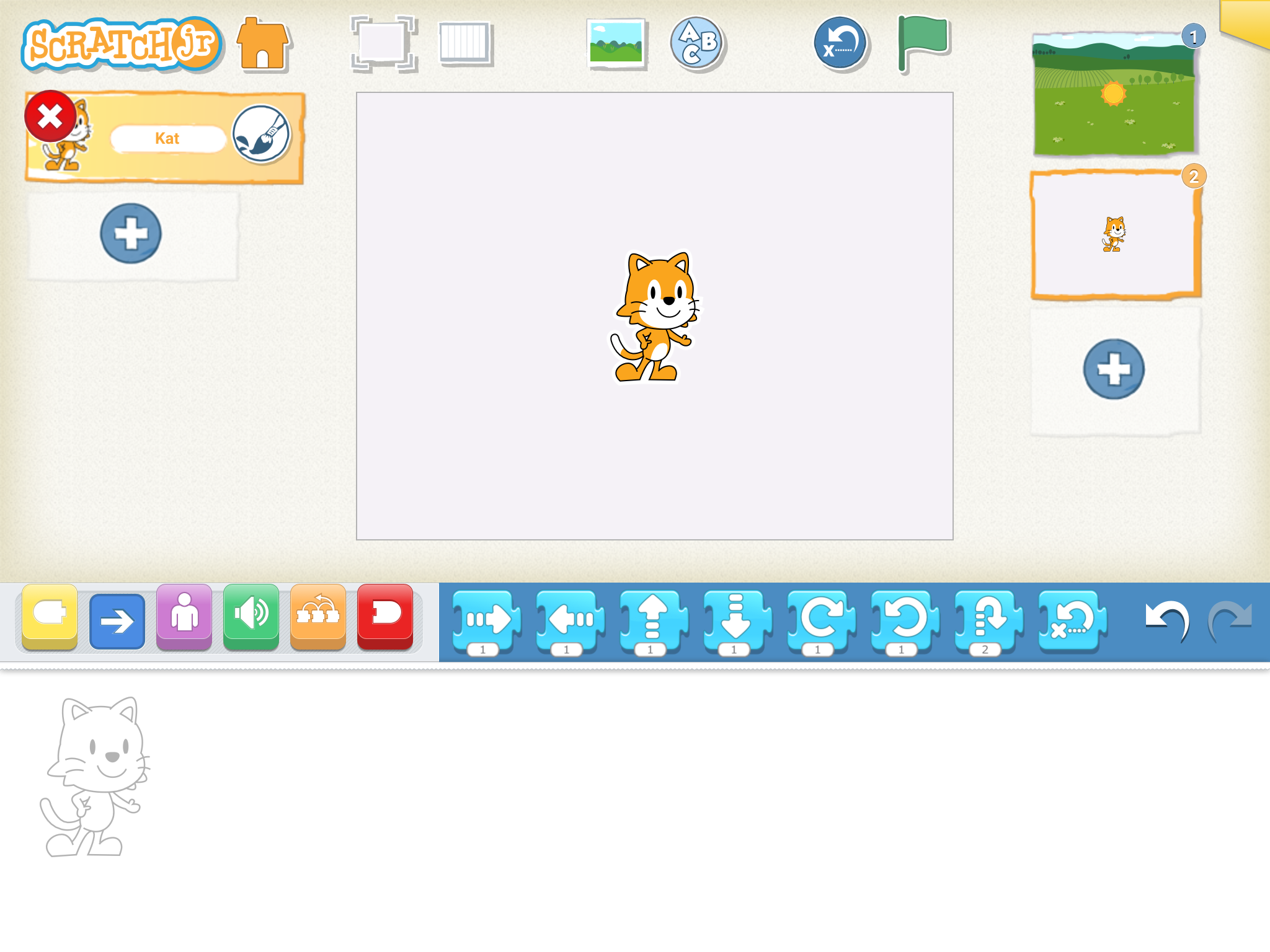
Remove the cat here too.
Insert the moon.
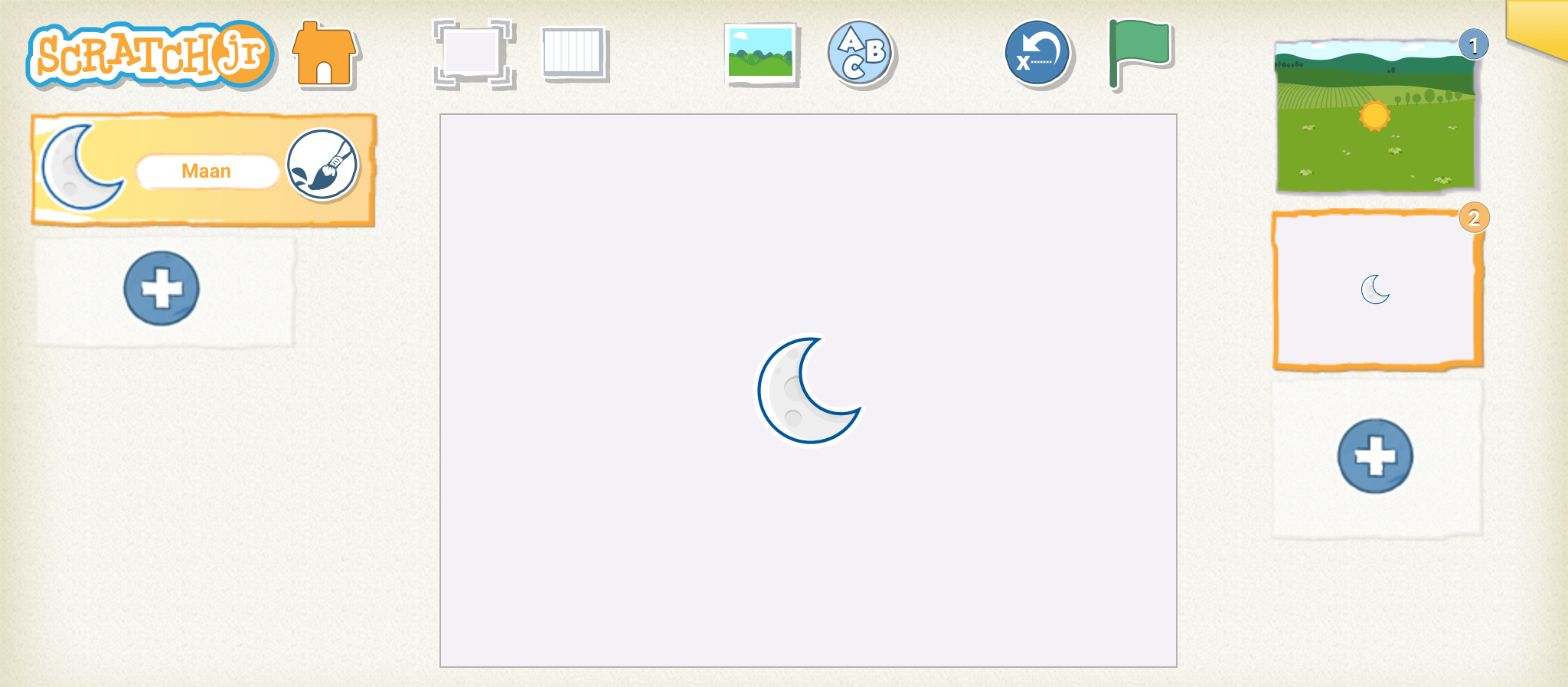
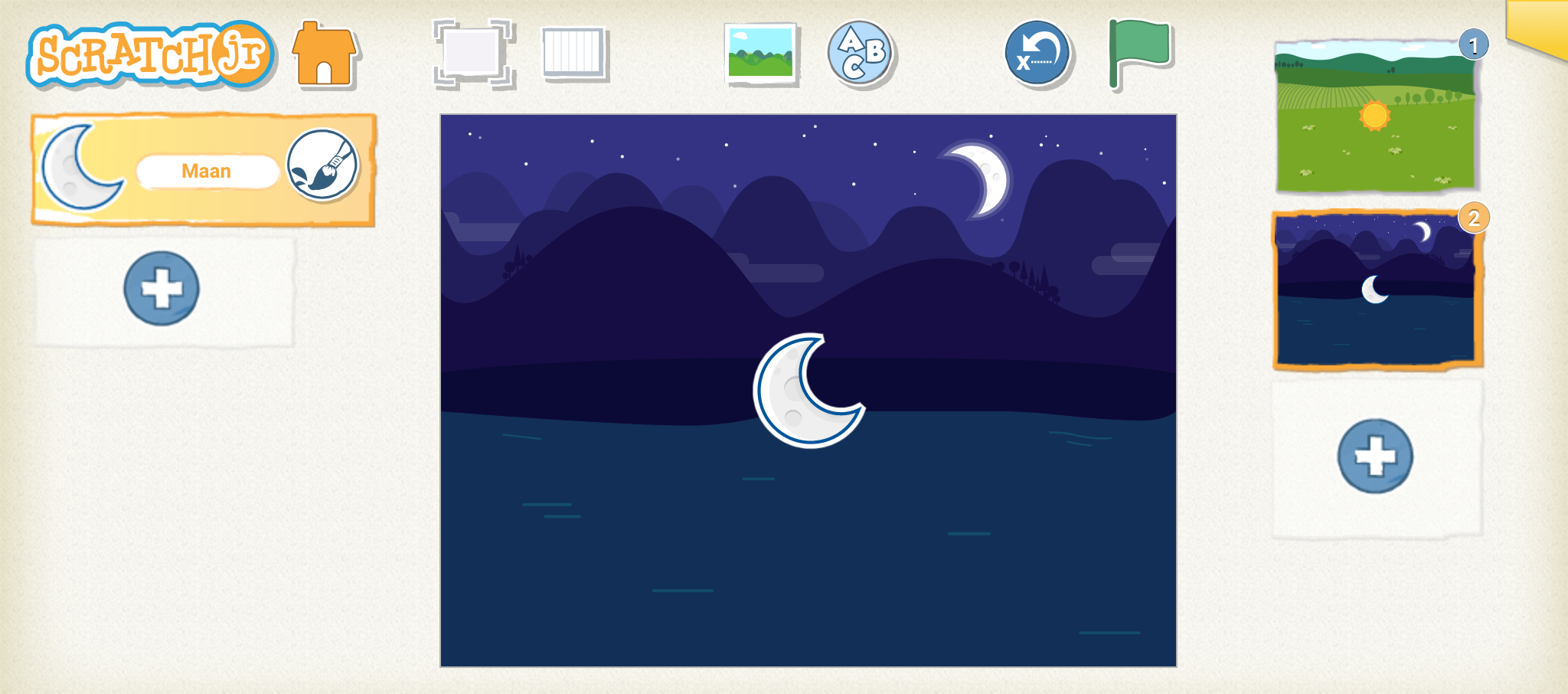
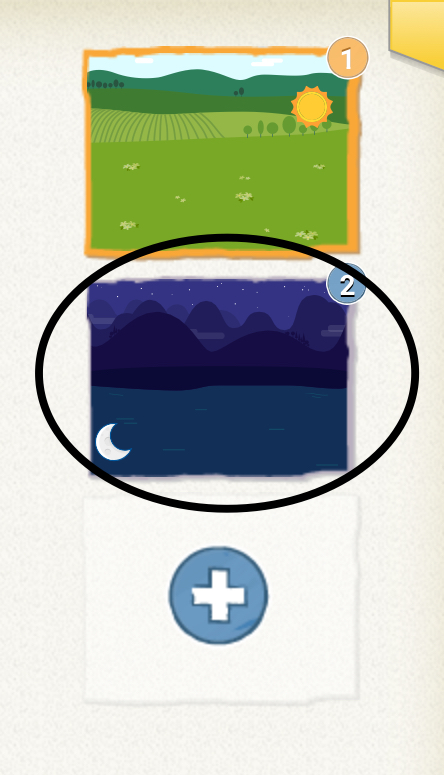
Change the background to the night.
STEP 3
One moon too many
There are now two moons on the screen.
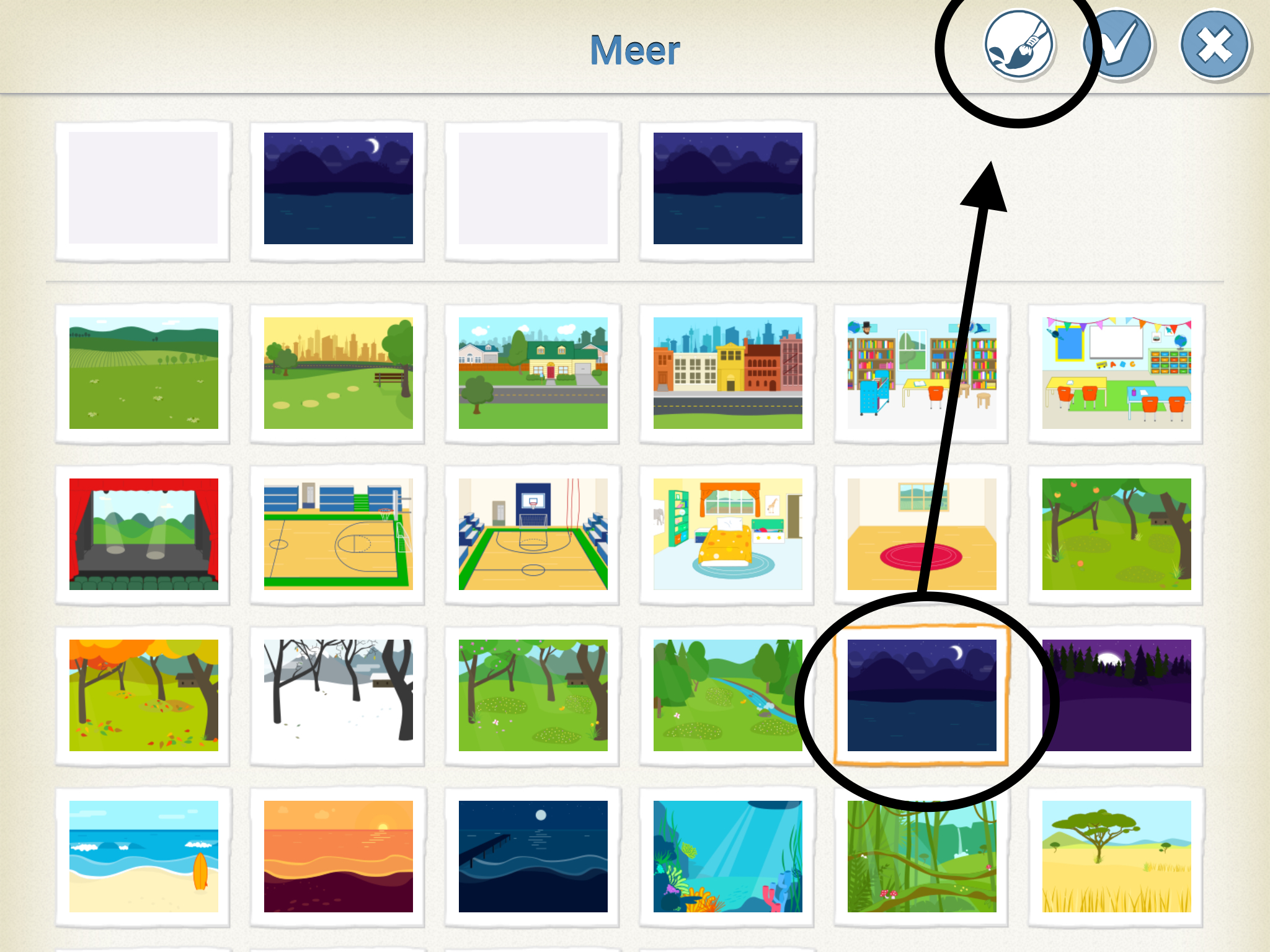
Select your background and press the brush.
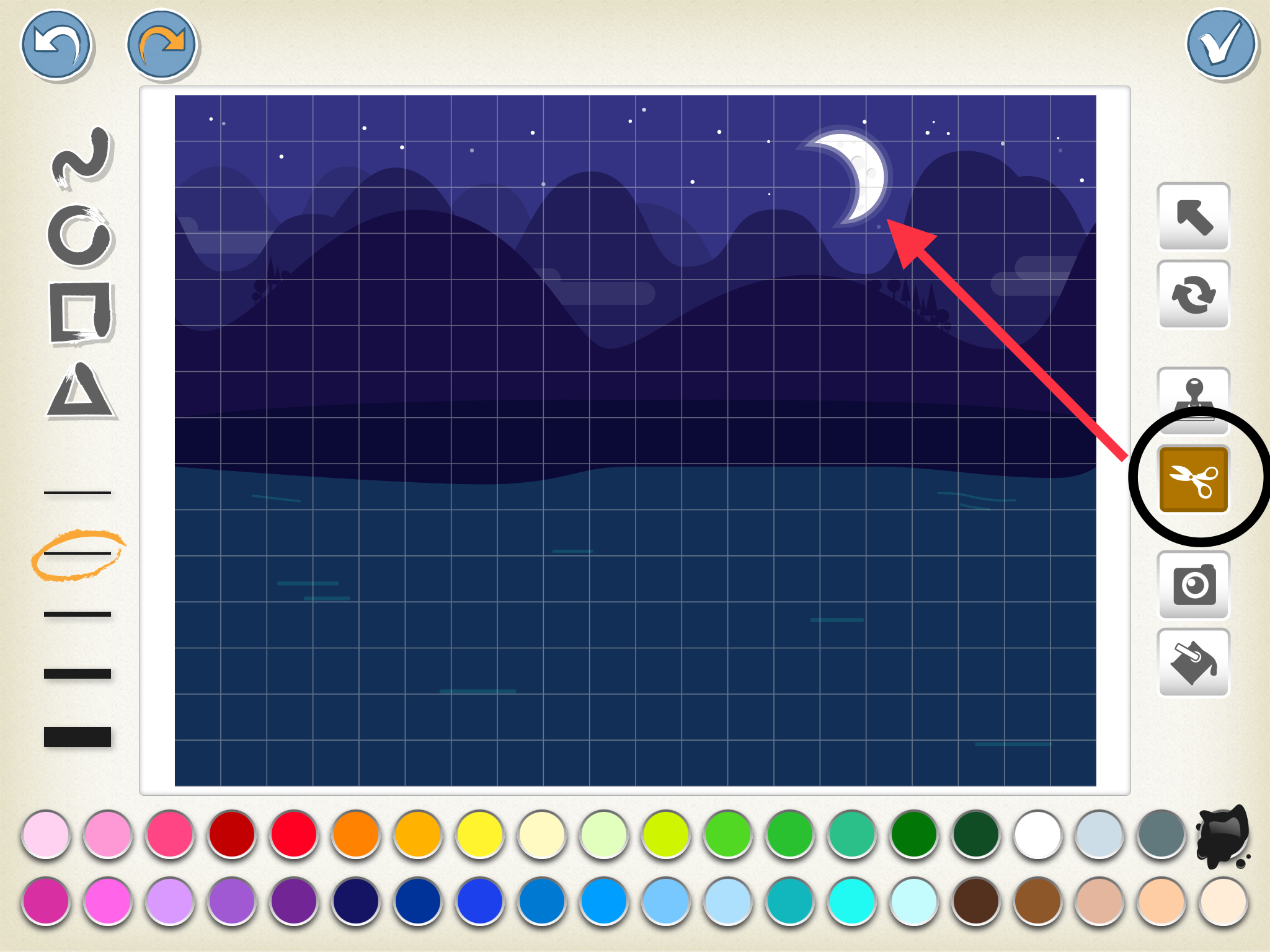
Press the scissors and then press the moon. You will see your moon disappear.
STEP 4
The sun sets, the moon rises
First make the program of the sun.

Indicate your second background.
Write the moon program.

Challenge!

Do you add some twinkling stars next to the moon?