
Picking apples
The apples are ripe and must be picked.
Would you like to help?
Lots of fun!
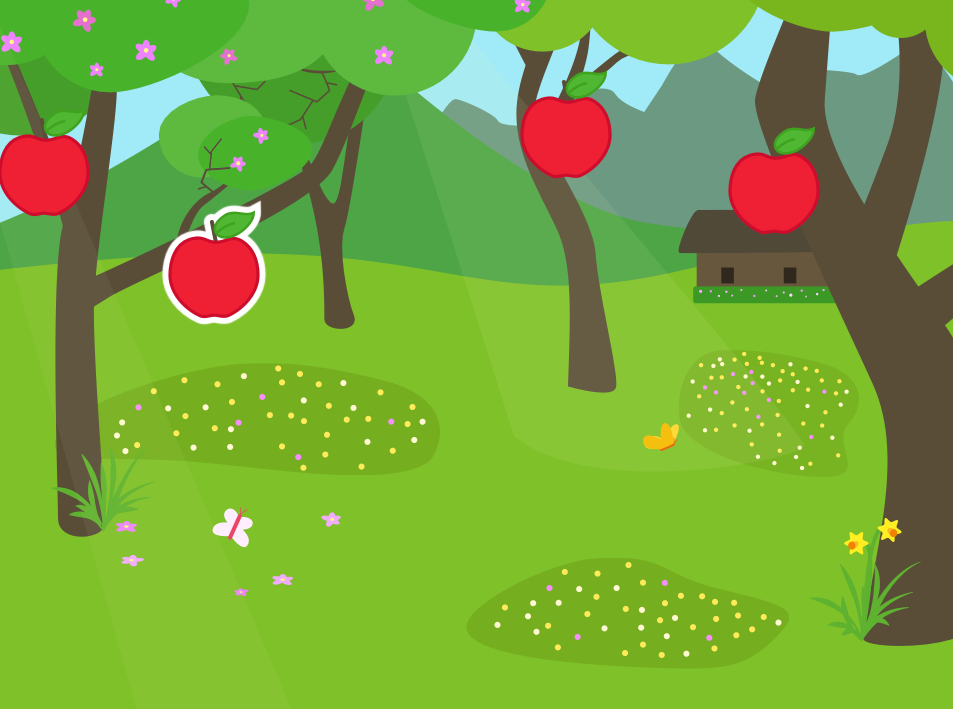

You learn to:
- Start a program by pressing a figure.
- Give several figures a program.
- Copy a program.
- Make a figure disappear.
STEP 1
Where are those apples?
You may already know it: open the ScratchJr app. and start a new project.
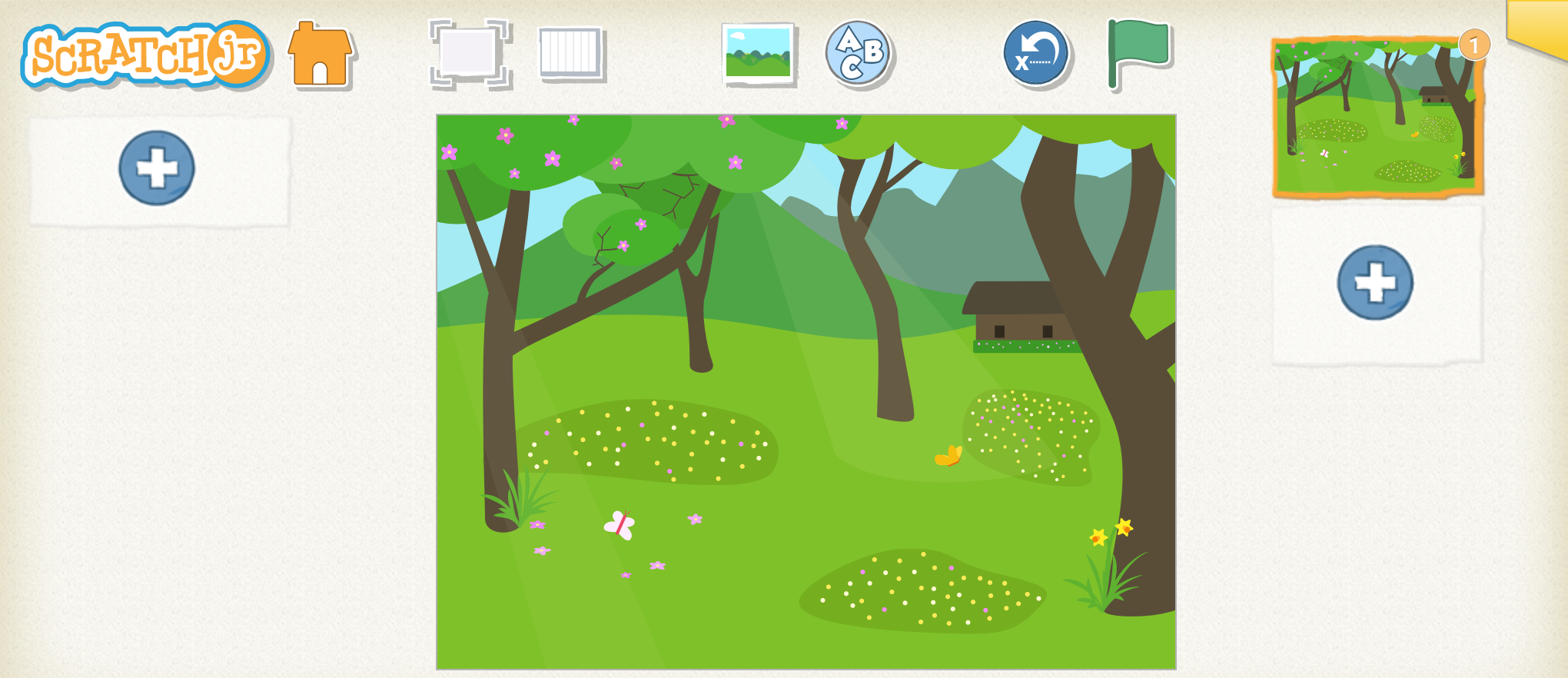
Choose a nice background. We chose one with many trees.
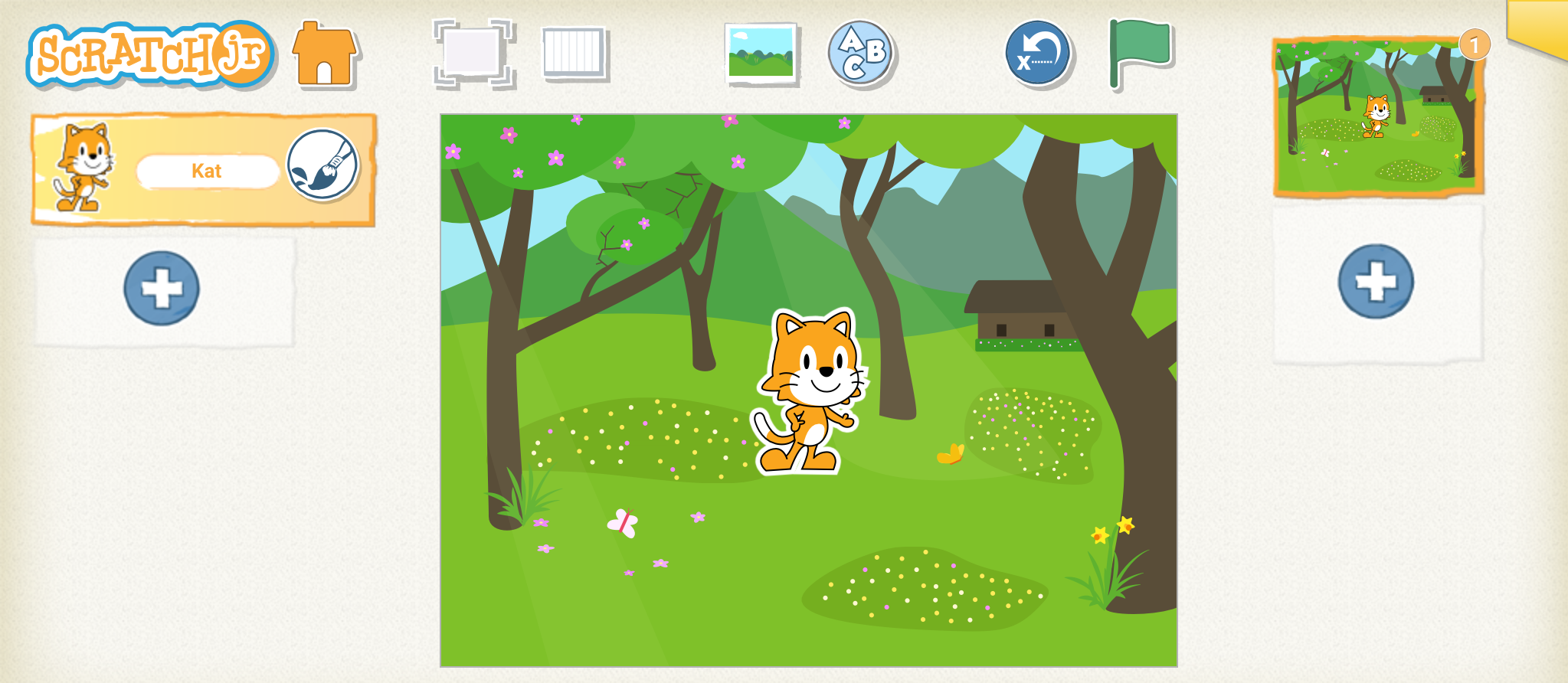
Remove the cat.
Add a new figure. We opted for a tasty apple!
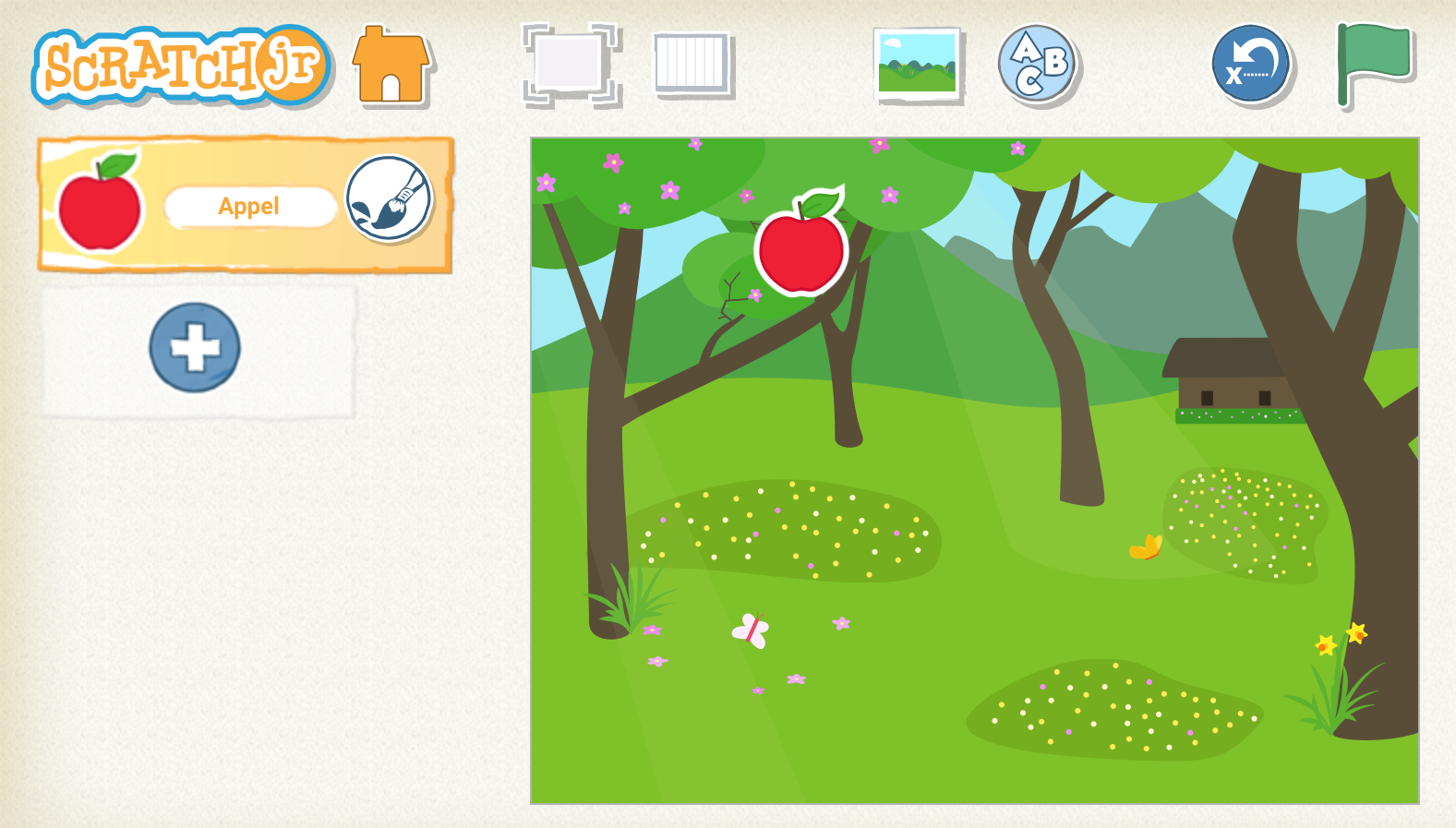
Hang the apple in the tree. You do this by dragging it to the right place.
STEP 2
Picking apples
The apple must fall from the tree and then disappear.
Place these blocks in your work field.
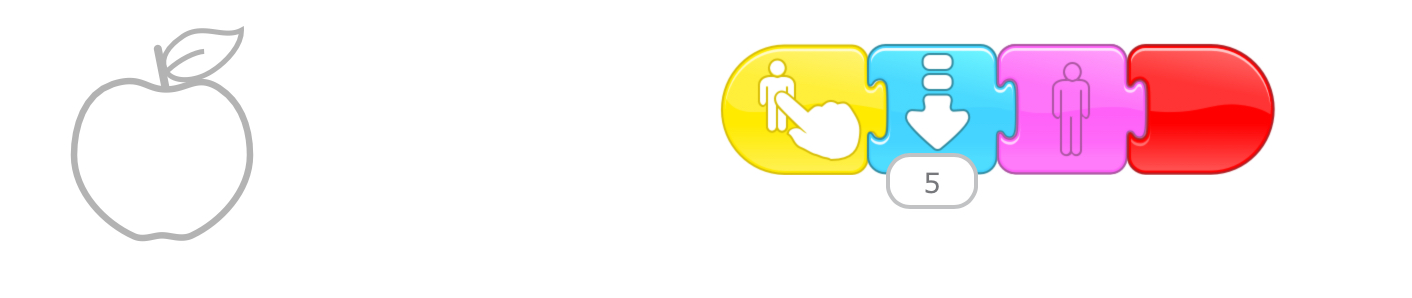
Try it out.
If you press the apple, it will fall from the tree and disappear.
STEP 3
Picking all the apples, we're going to bake cake
First you add new apples. Drag them to the right place.
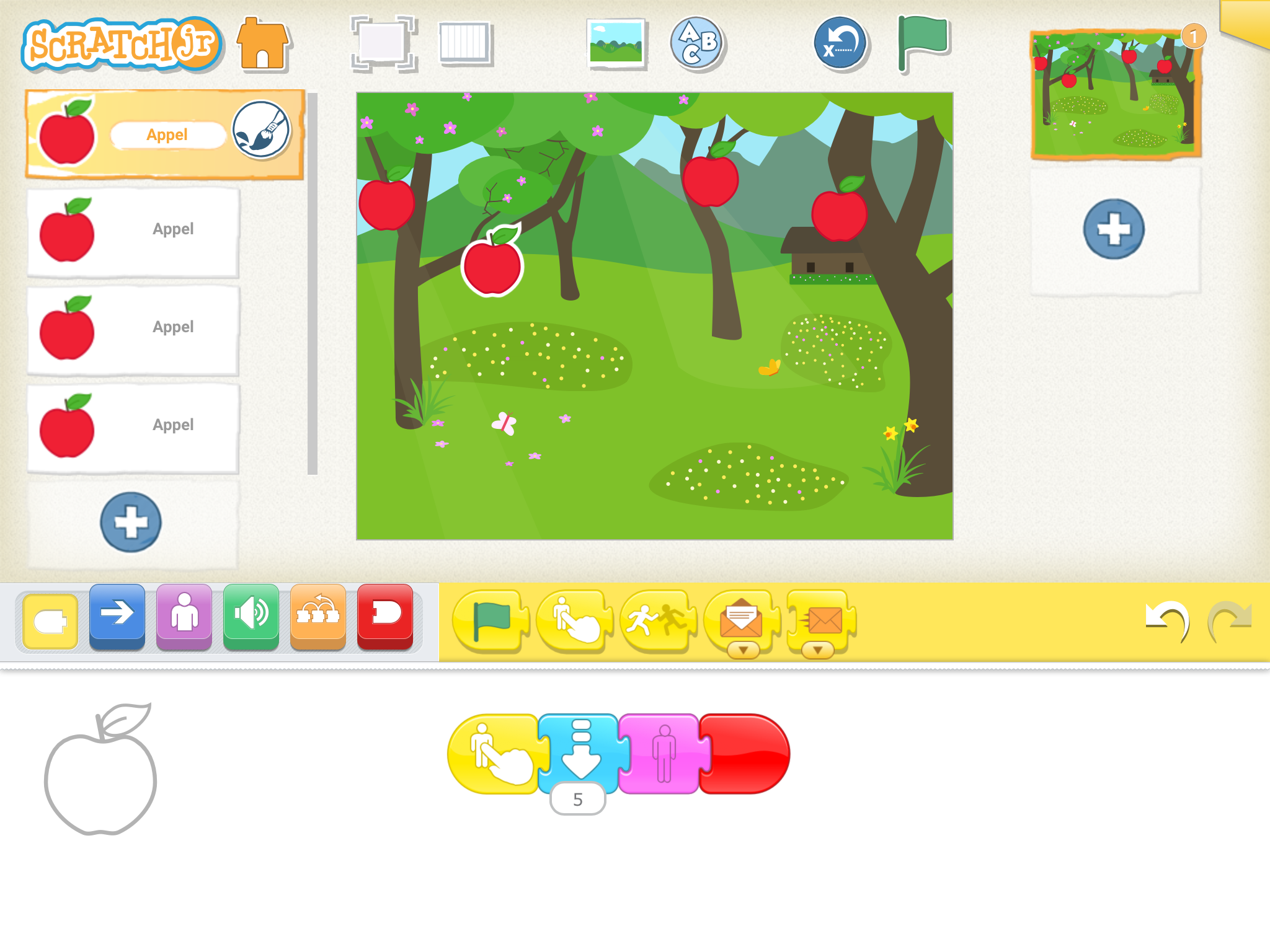
Then you make a program for every apple.
Remember: you can make a copy of a program. You saw that last time.
All apples have been picked, time to bake a delicious cake.
See you next challenge!
Challenge !

Can you also reduce or enlarge the figures?
Can you drop the figures faster or slower?