
Contest!
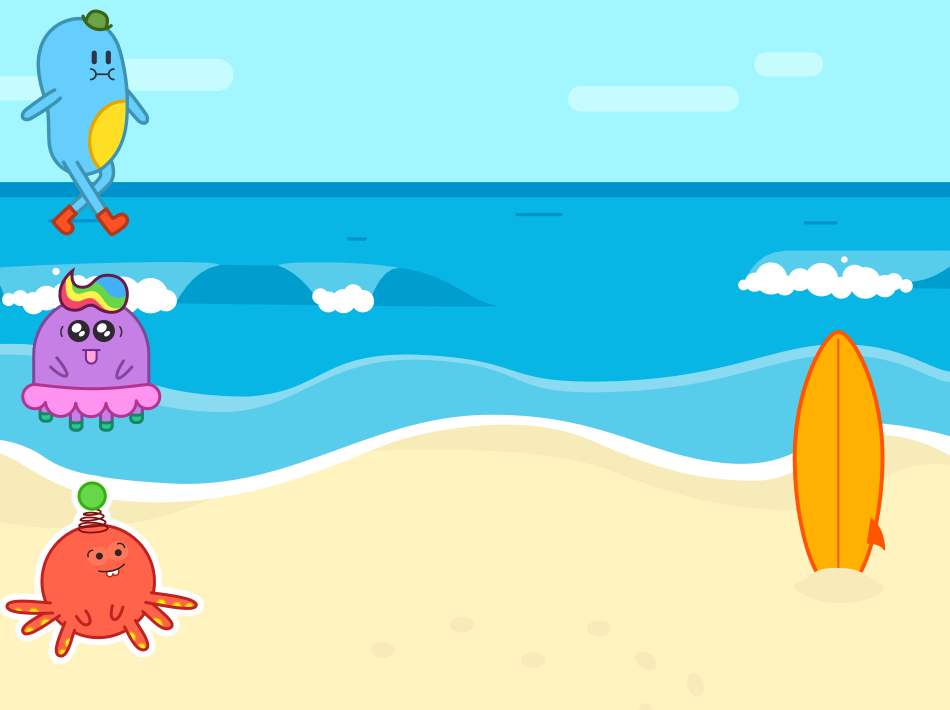
A competition among friends on the beach. #awesome
Who will be the first to reach the finish?
Lots of fun!
You learn to:
- insert multiple figures
- write a program for multiple figures
STEP 1
Ready!
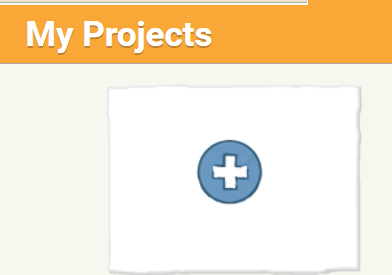
Open the ScratchJr. app and start a new project.
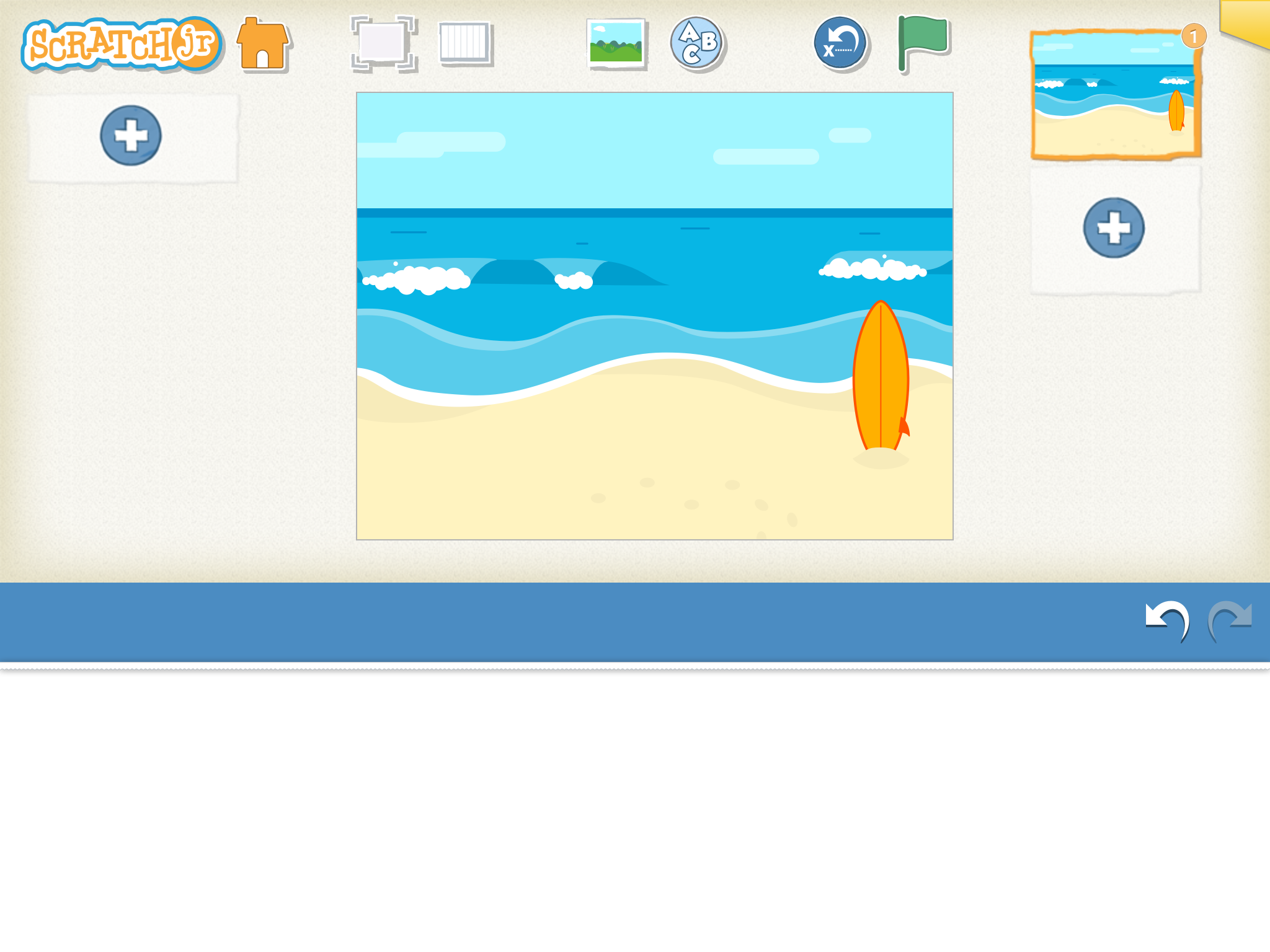
Remove the cat, we don't need it. Press the cat until you see a red cross.
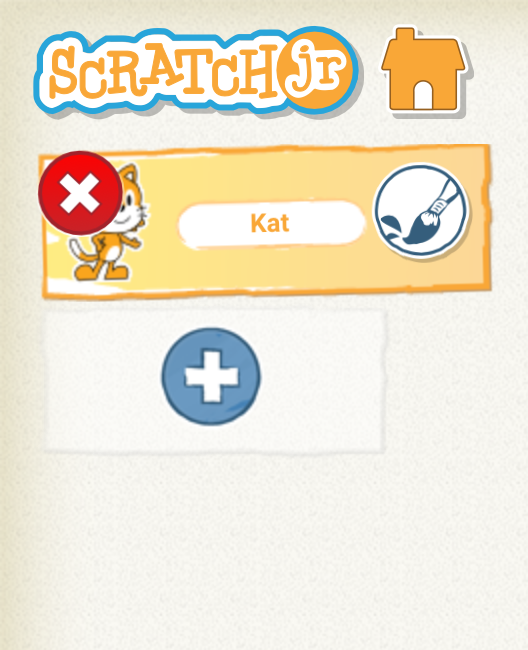
Choose a background yourself.
STEP 2
Everyone in their place
Choose 3 figures you want to use. You have to insert the figures 1 by 1.
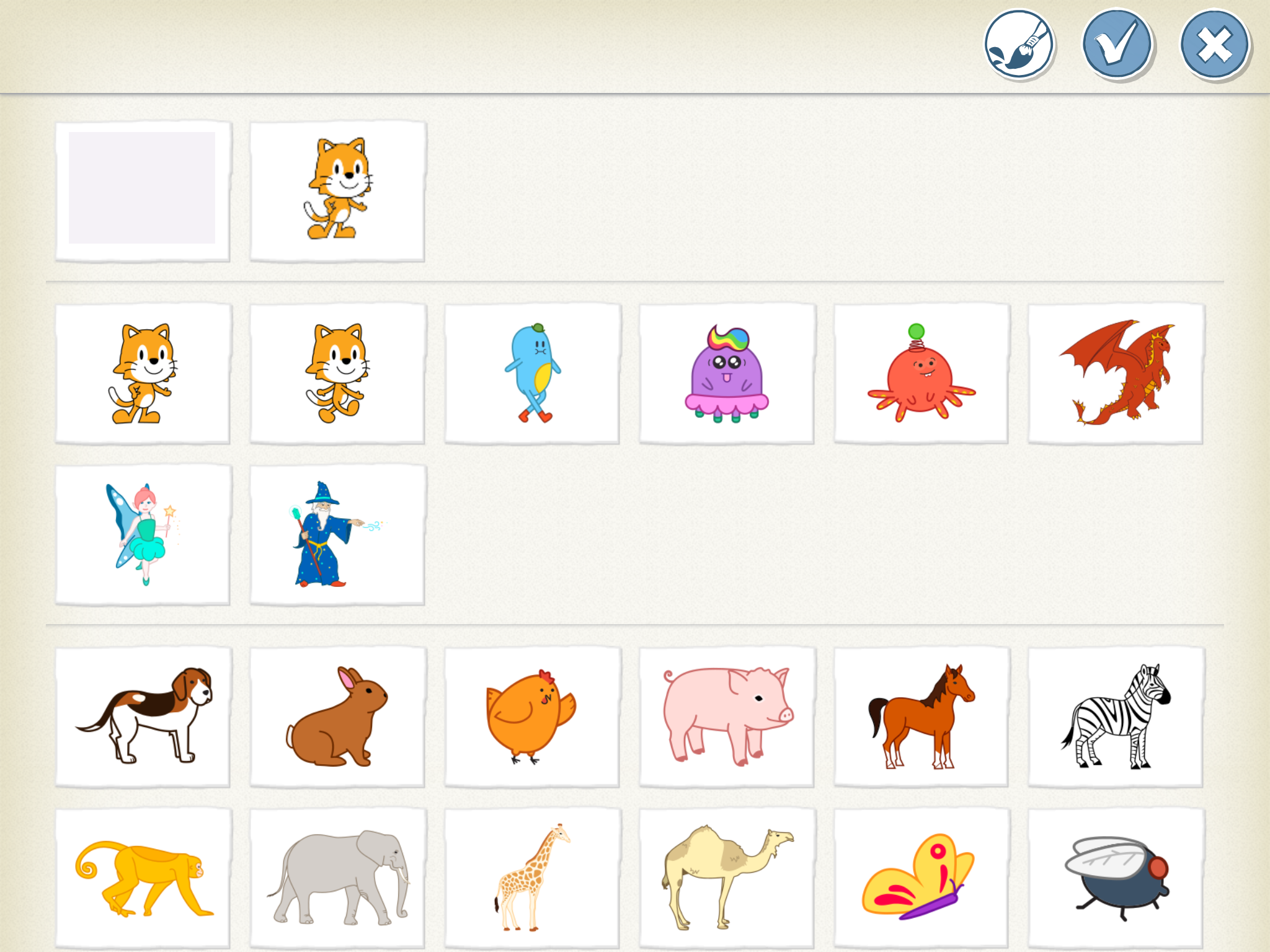
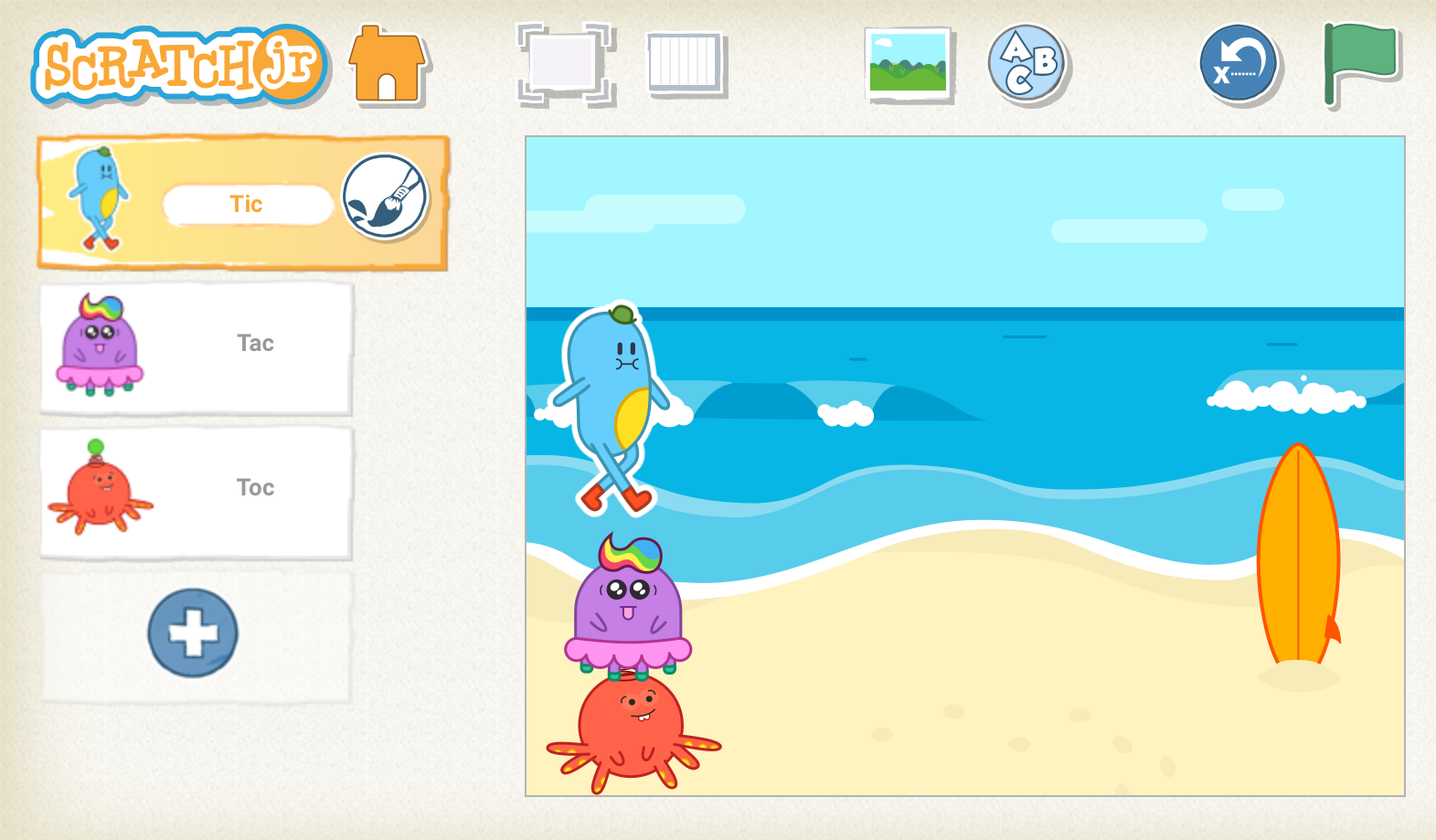
We chose Tic, Tac and Toc.
Place the figures in the right place by dragging them.
STEP 3
3, 2, 1, ... Start!
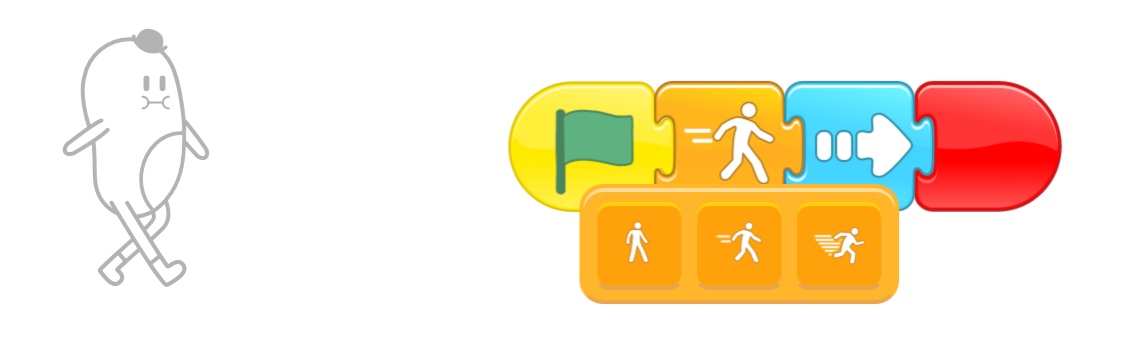
Write the program for your first figure.
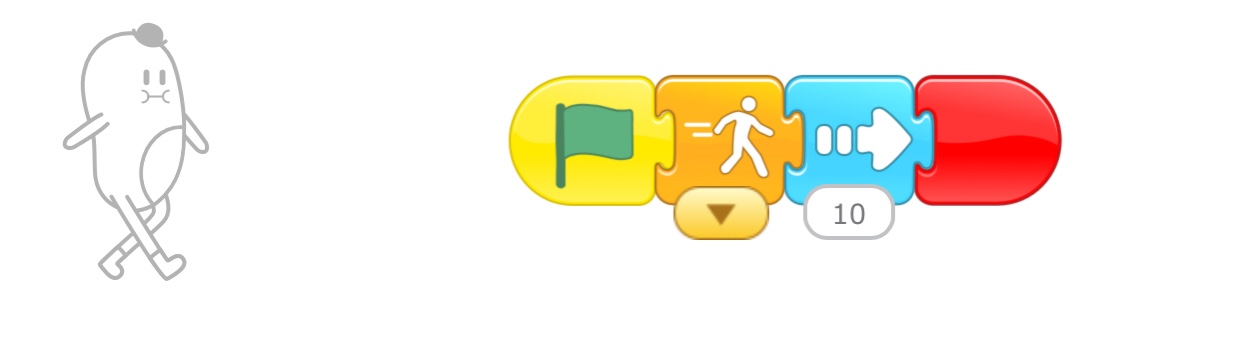
Drag these blocks into your workspace.
Press the arrow. Try out the different options!
Make a program for each character. You can see to the left of your screen for which character you are writing a program.
That character is also in your field of work.
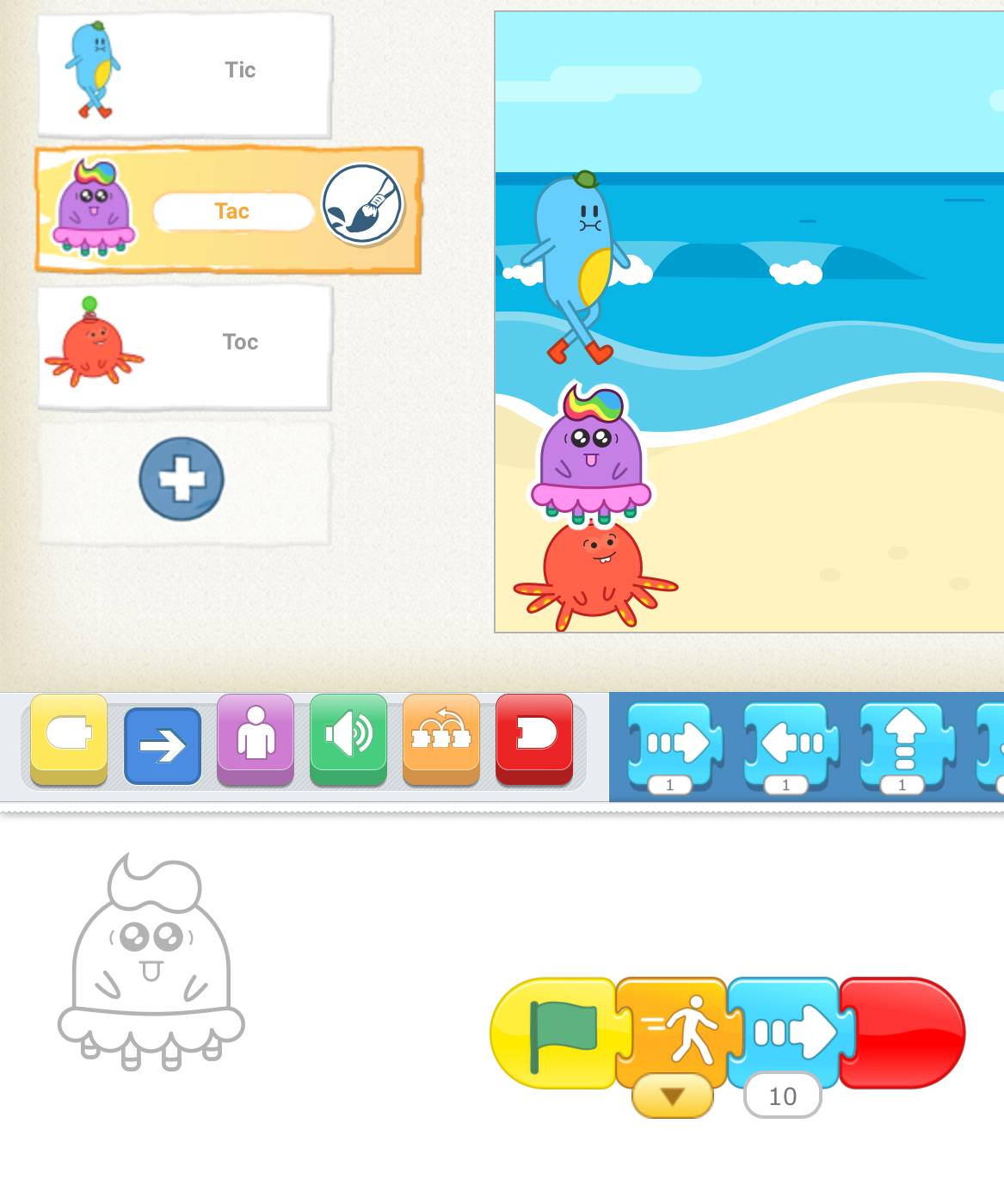
Maybe you can give each character a different speed?
Tip: in this way you can make a copy of your program.
Won. That was a fun race!
On to the next challenge.
Challenge!
Can you make your character from the previous exercise also step faster or slower?
Do you choose where the finish is?