
Starry sky
Twinkle twinkle little star ...
Oh how you shine ...
Do you create a beautiful starry sky?


You learn to:
- insert multiple figures
- write a different program for each figure
- make a figure disappear and appear
- using a replay
STEP 1
Stars in the sky
Open the ScratchJr app. and choose a new project.
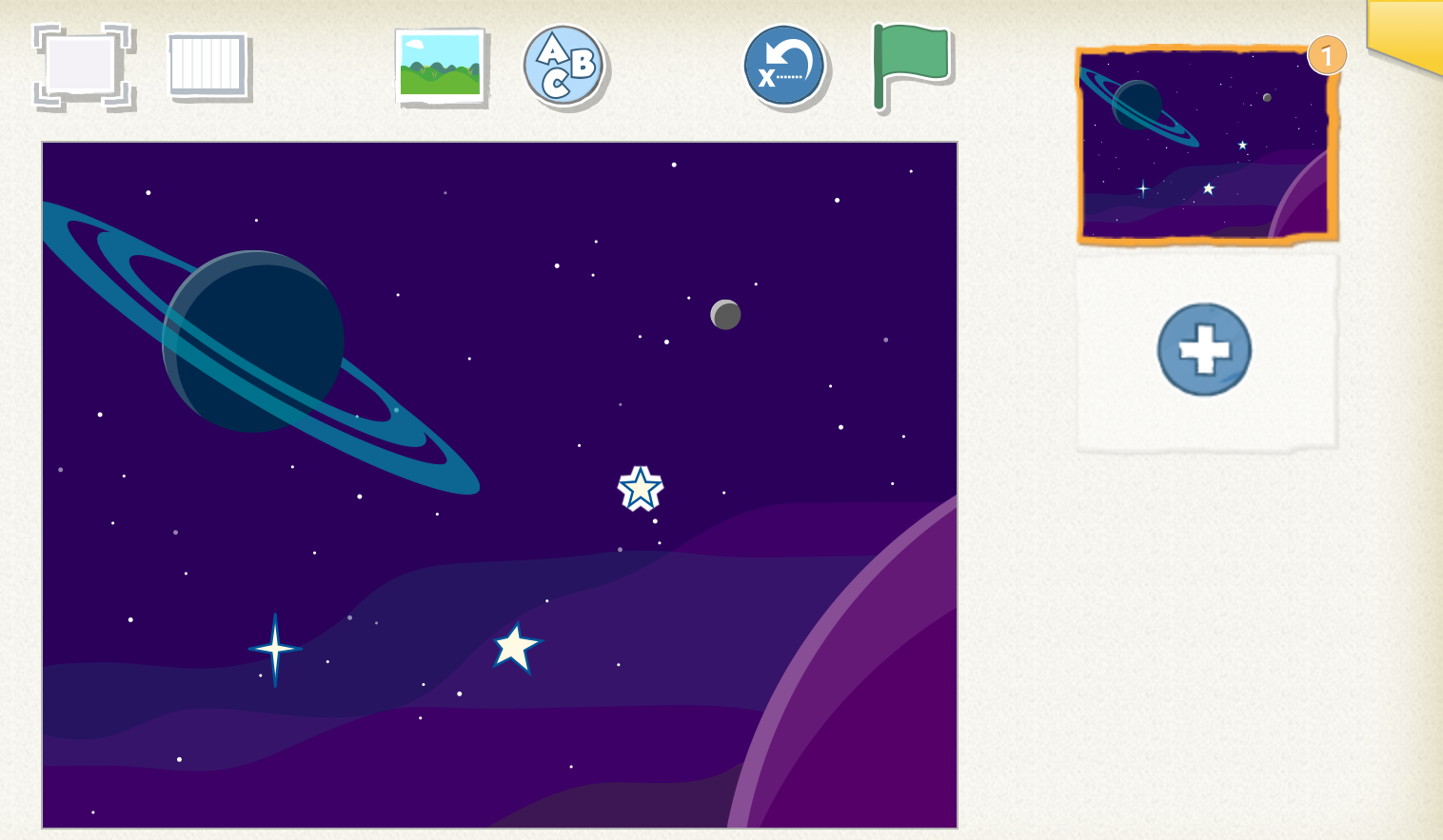
Choose a background that goes well with the theme.
STEP 2
Different stars
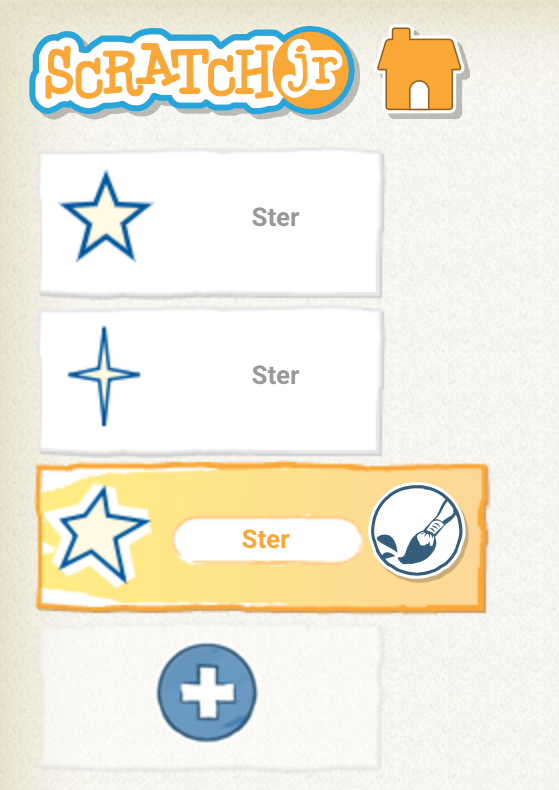
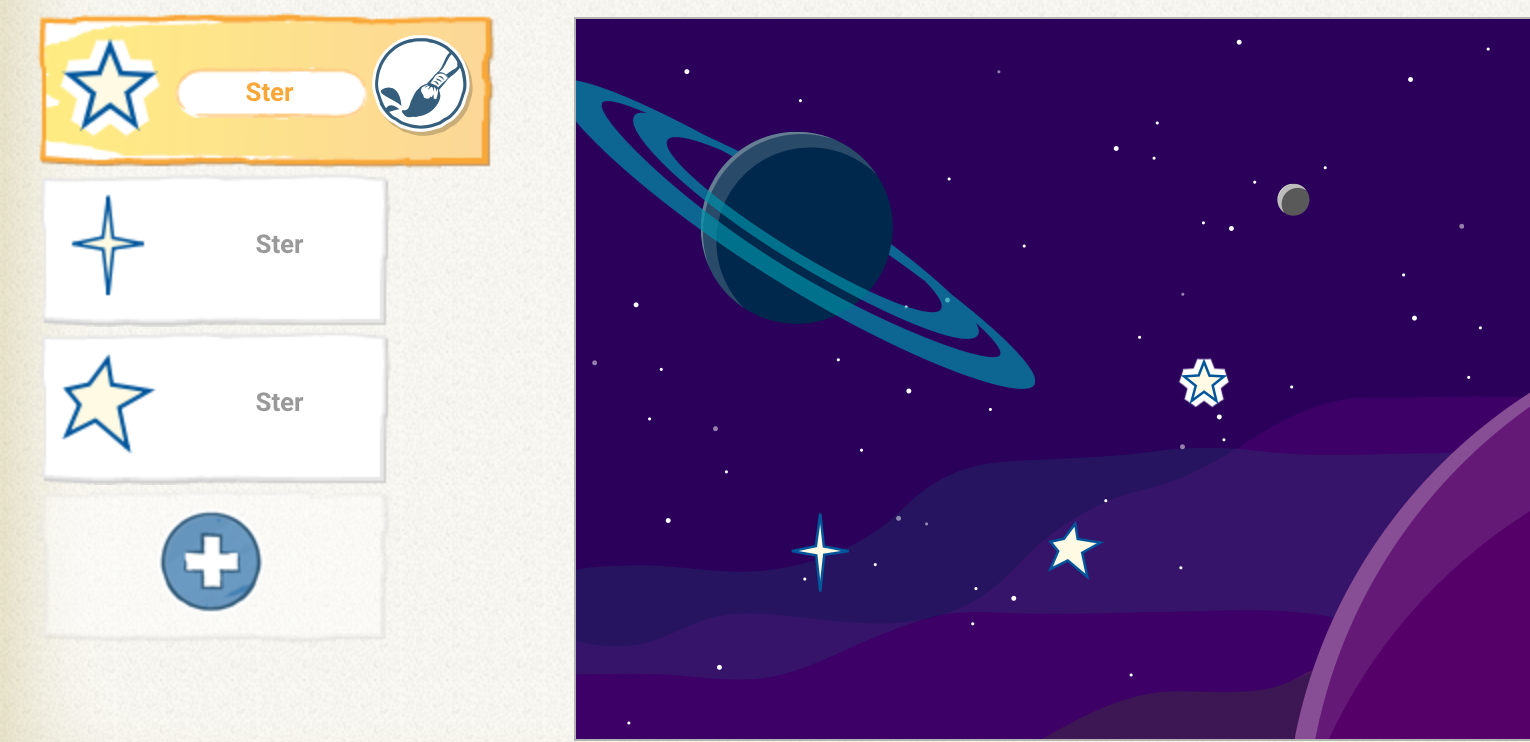
Remove the cat and insert 3 different stars.
You remember it from last time. You can put the figures in the right place by dragging them.
STEP 3
Twinkle twinkle little star
Write a program for your first star and test what happens.

The star fades and does not return.
Would you like to test this program?

Your star disappears and returns.
Make a program for the other stars.
You can recreate or copy your program.
You can also make your stars disappear and appear all the time. You do that like this.

You only have to change the last block. This is a repeat.
You are all stars, on to the next challenge!
Challenge!

Can you add a few more figures?
Do you reduce or enlarge the figures?
Make the figures disappear at another time.